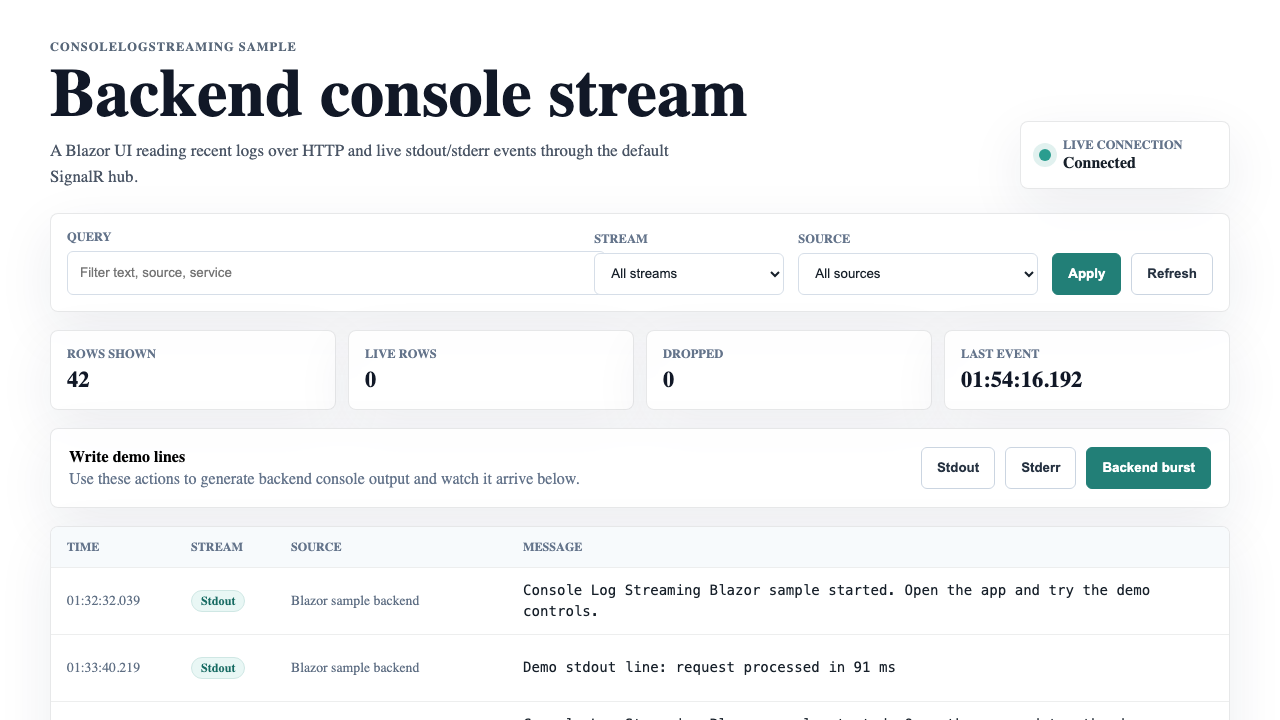
ConsoleLogStreaming.Sample.Blazor
Blazor sample
A Blazor UI with recent backfill, live SignalR rows, stream/source filters, and demo stdout/stderr controls.
Console Log Streaming captures managed stdout and stderr, redacts sensitive data, keeps recent backfill, and streams live updates through ASP.NET Core and SignalR.
A Blazor UI with recent backfill, live SignalR rows, stream/source filters, and demo stdout/stderr controls.
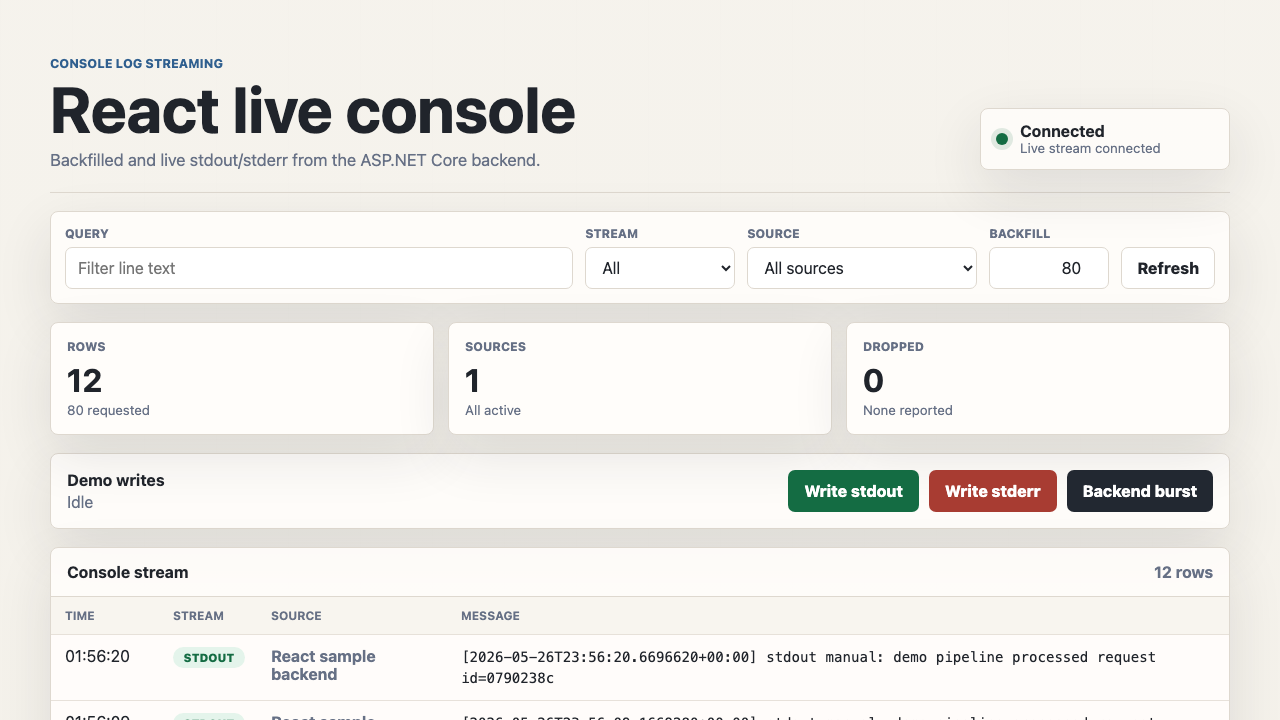
A lightweight React UI served by ASP.NET Core, using the SignalR JavaScript client with no npm build step.
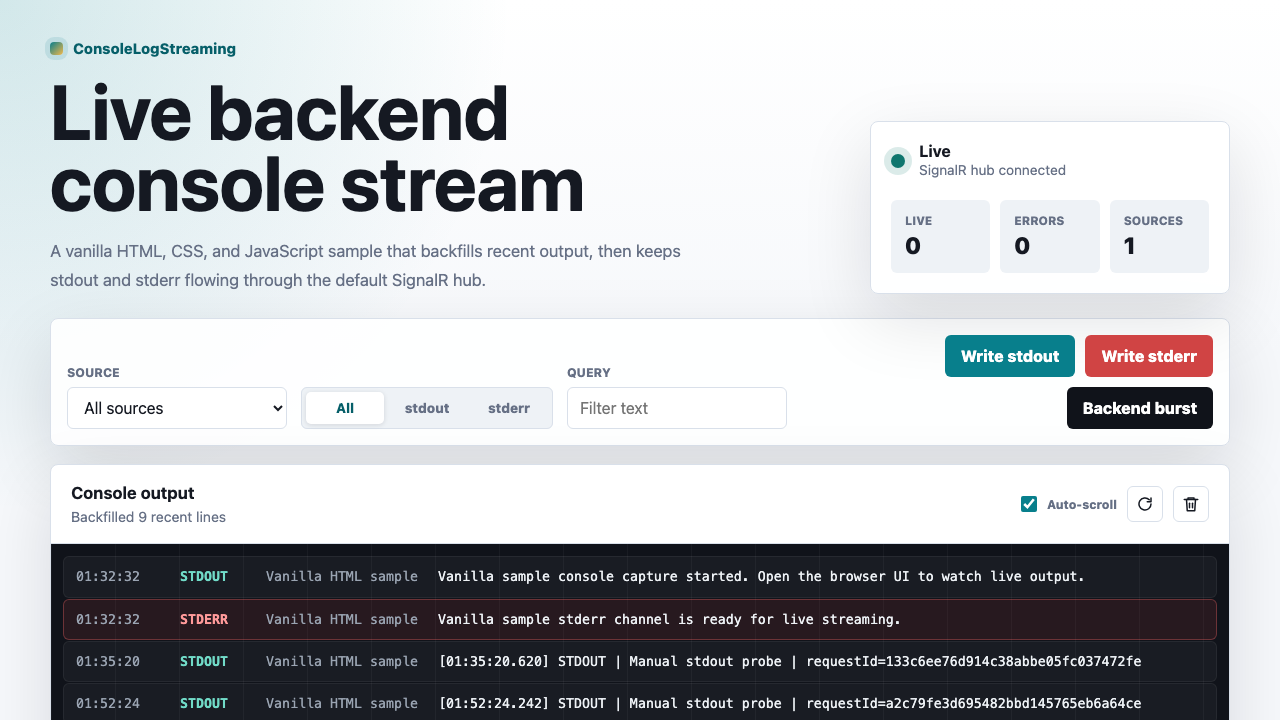
A dependency-light vanilla UI with direct SignalR protocol usage, filters, metrics, and terminal-style log rows.
HTTP endpoint returns the most recent redacted lines so the UI starts populated.
Push stdout and stderr to connected clients as they happen, with backpressure-friendly channels.
Filter by source app, stdout vs. stderr, and substring — applied server-side and client-side.
Secrets are masked in the pipeline so tokens never reach the browser or persistence layer.
Plug in the SQLite sink for short-term durable history with MaxAge and MaxRows controls.
The core library works in any .NET host; ASP.NET Core only adds the HTTP + SignalR surface.
Clone the repo, then run any sample directly with the .NET SDK. Each project hosts its own ASP.NET Core endpoints and SignalR hub at /hubs/console-logs.
dotnet run --project samples/ConsoleLogStreaming.Sample.Blazordotnet run --project samples/ConsoleLogStreaming.Sample.Reactdotnet run --project samples/ConsoleLogStreaming.Sample.Vanilla